Type C Smart Soldering Iron with PD/QC 65W Fast Charging Adjustable Temperature Control for Electronics PCB Repair Tool
Type C Smart Soldering Iron with PD/QC 65W Fast Charging Adjustable Temperature Control for Electronics PCB Repair Tool
Couldn't load pickup availability
SPECIFICATIONS
Brand Name: Aideepen
Certification: CE
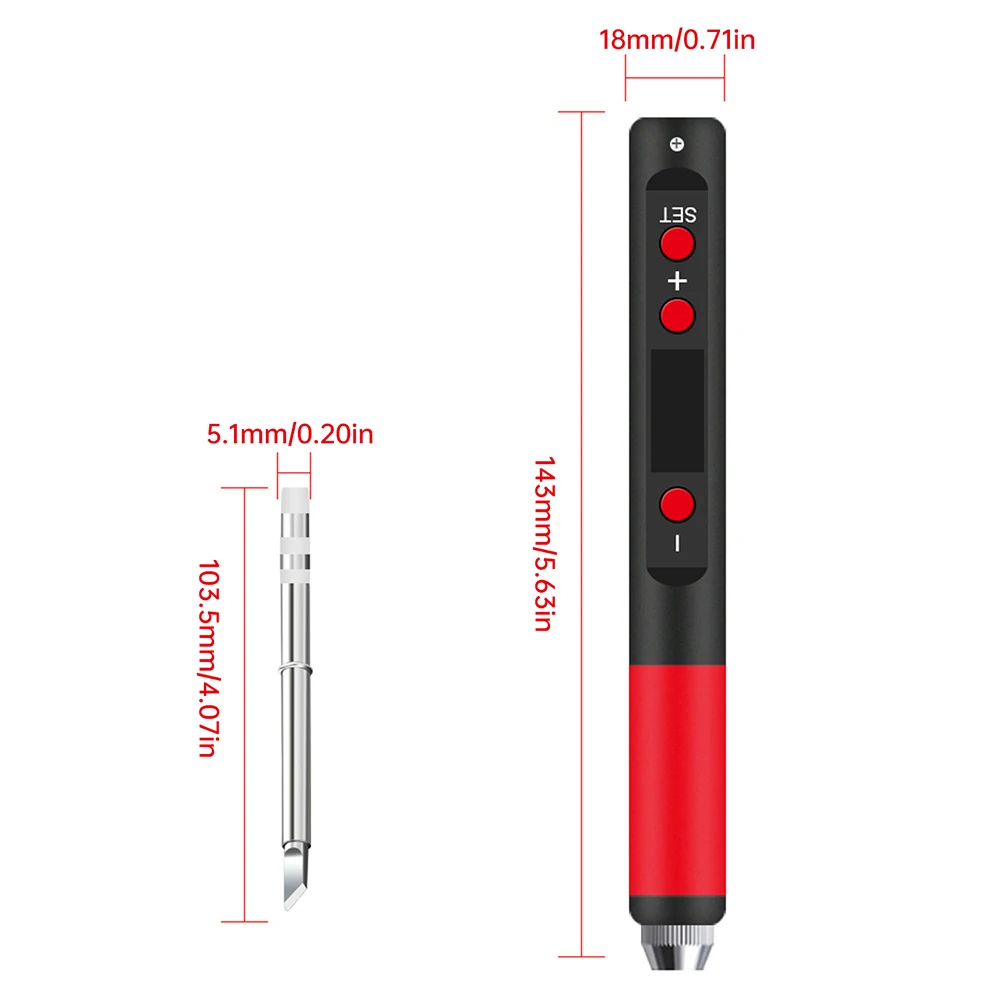
Dimensions: 19.5 x 1.8 x 1.8cm
Display: LED
High-concerned chemical: None
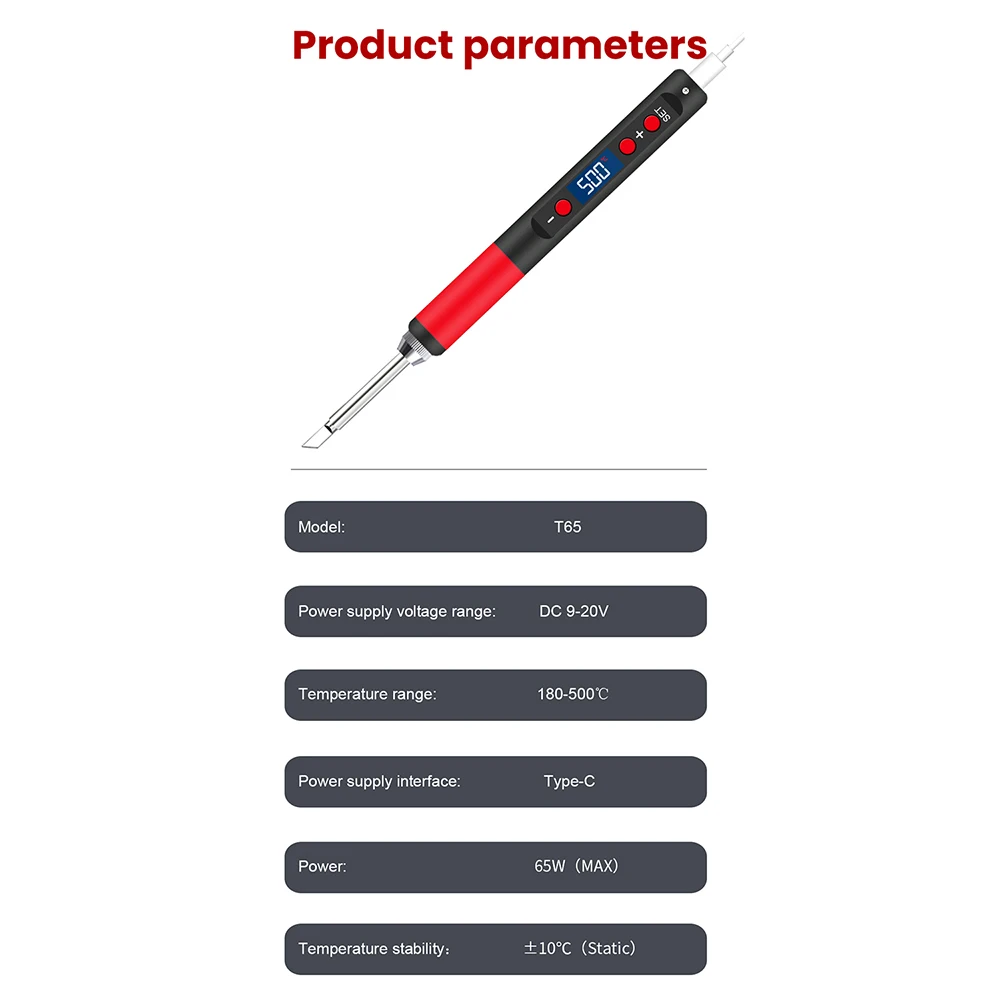
Input Voltagle: DC 9-20V
Is Smart Device: No
Model Number: Battery Solder
Origin: Mainland China
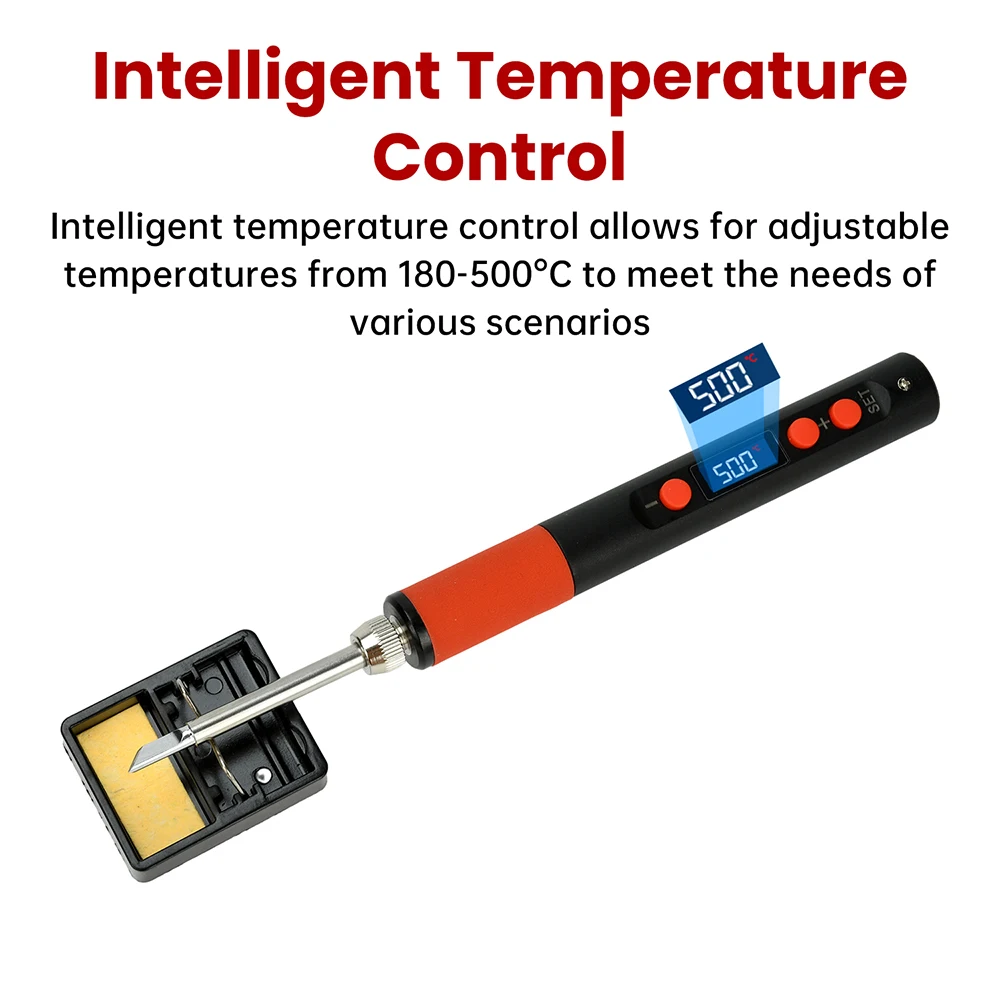
Output Temperature: 180-500 Celsius
Power: Max 65W
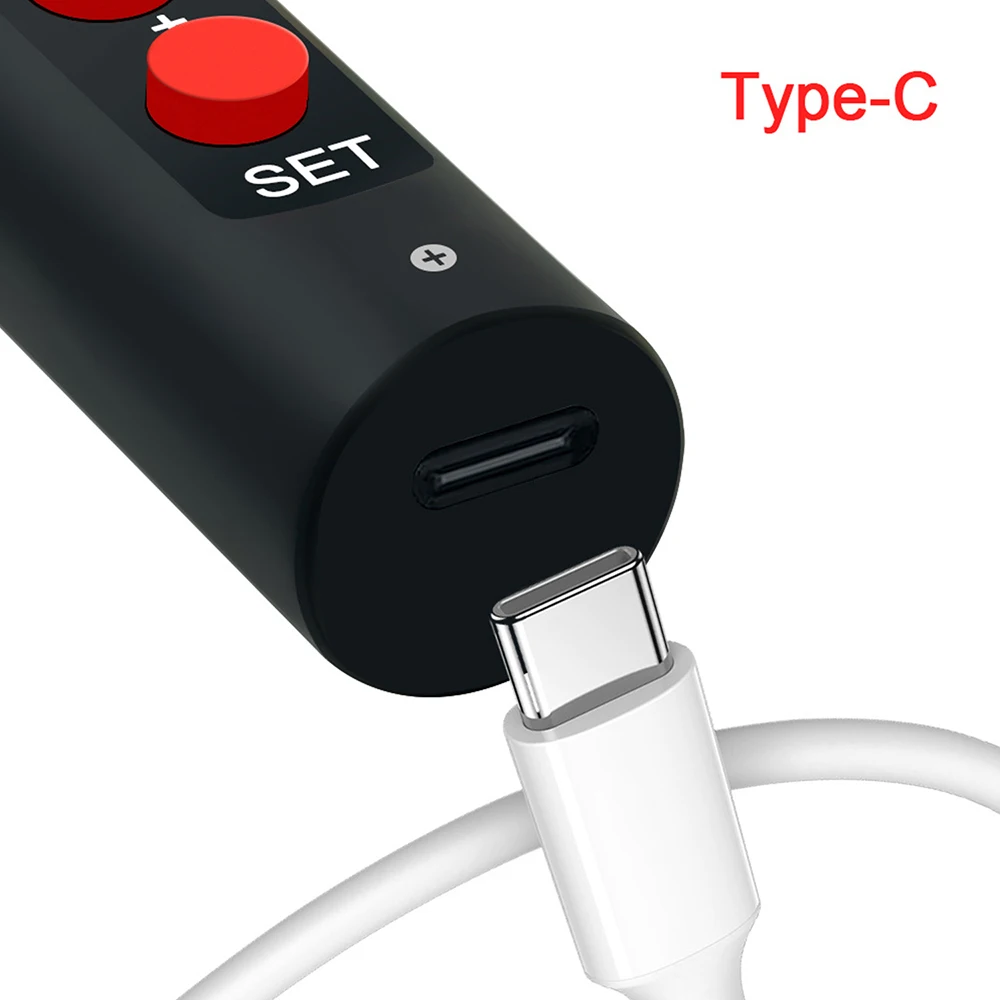
Power Supply Interface: Type C Interface
Supply Voltage: DC 9-20V
Temperature Range: 180-500℃
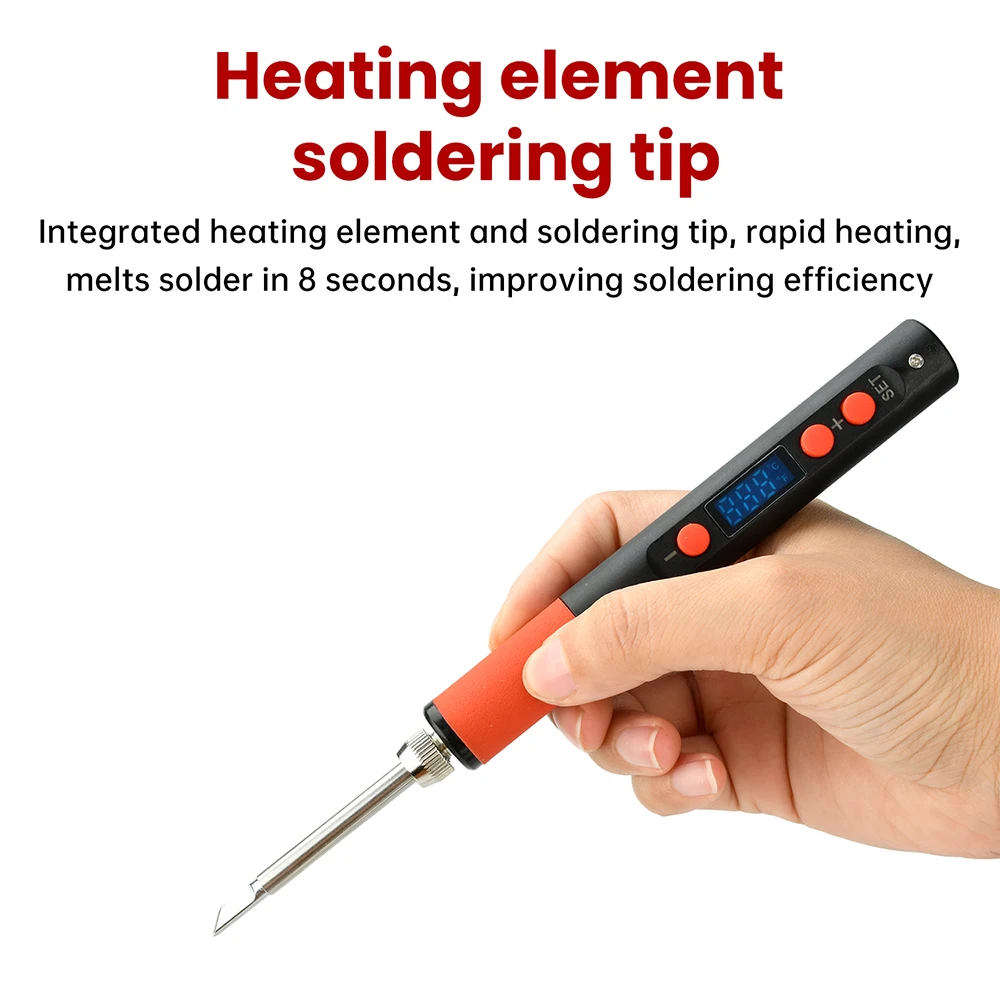
Temperature Rise Rate: 6 Seconds
Tin Deposition Time: 8 Seconds
Voltage: Others

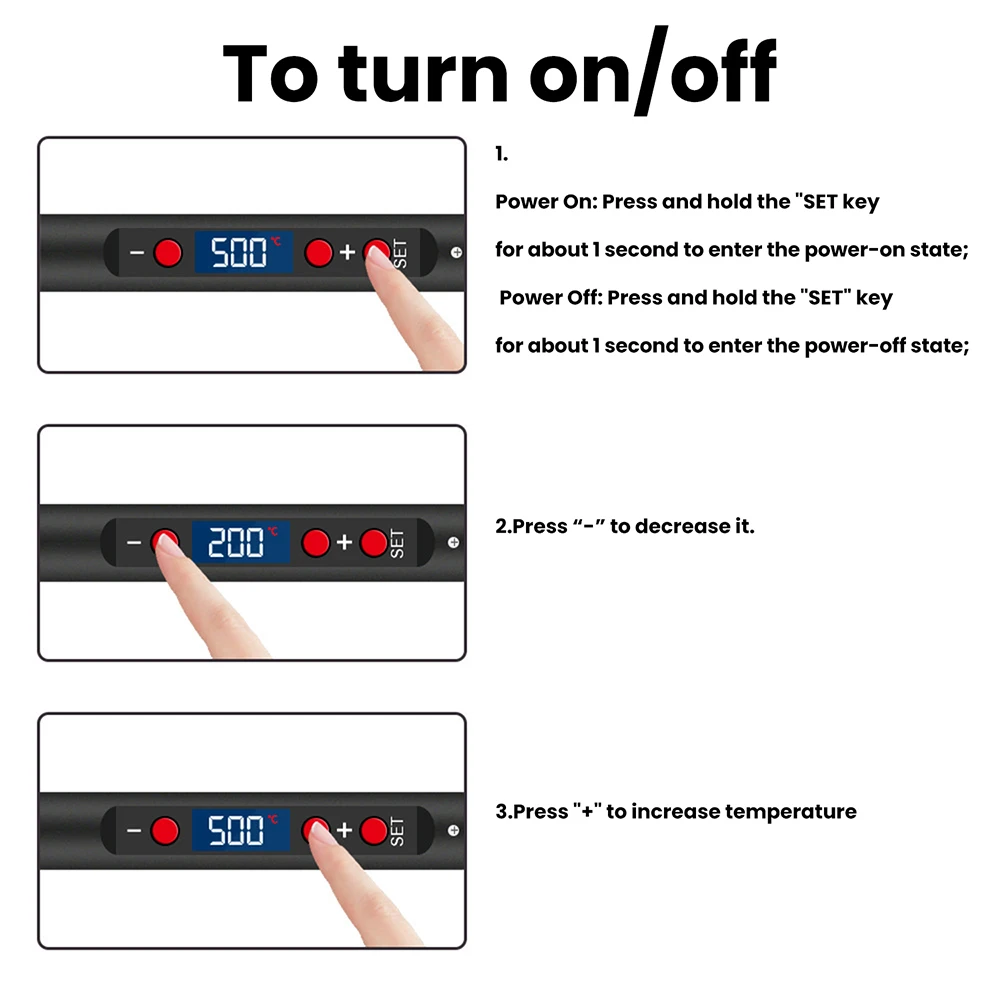
1.The product is compact and easy to operate, long press the button for 3 seconds to turn on/off.
2.The soldering iron tip can be replaced by unscrewing it, making it easy to operate.
3.Intelligent temperature regulation, with adjustable temperature range of 180-500 ° c, to meet the needs of different scenarios.
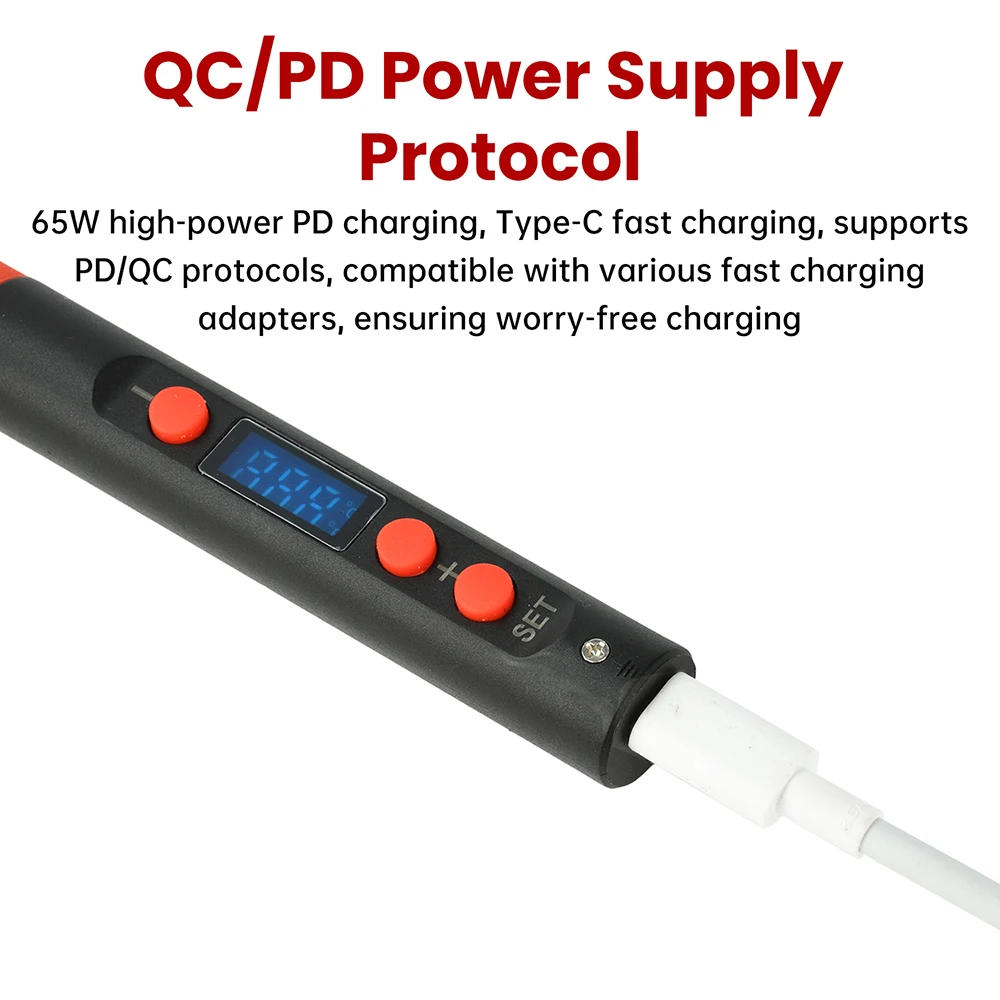
4.Pd65w high-power, type c fast charging power supply, supports pd/qc protocol, compatible with multiple fast charging heads, worry free charging.
5.The heating core and soldering iron tip are integrated, with fast heating and soldering in 8 seconds to improve welding efficiency.
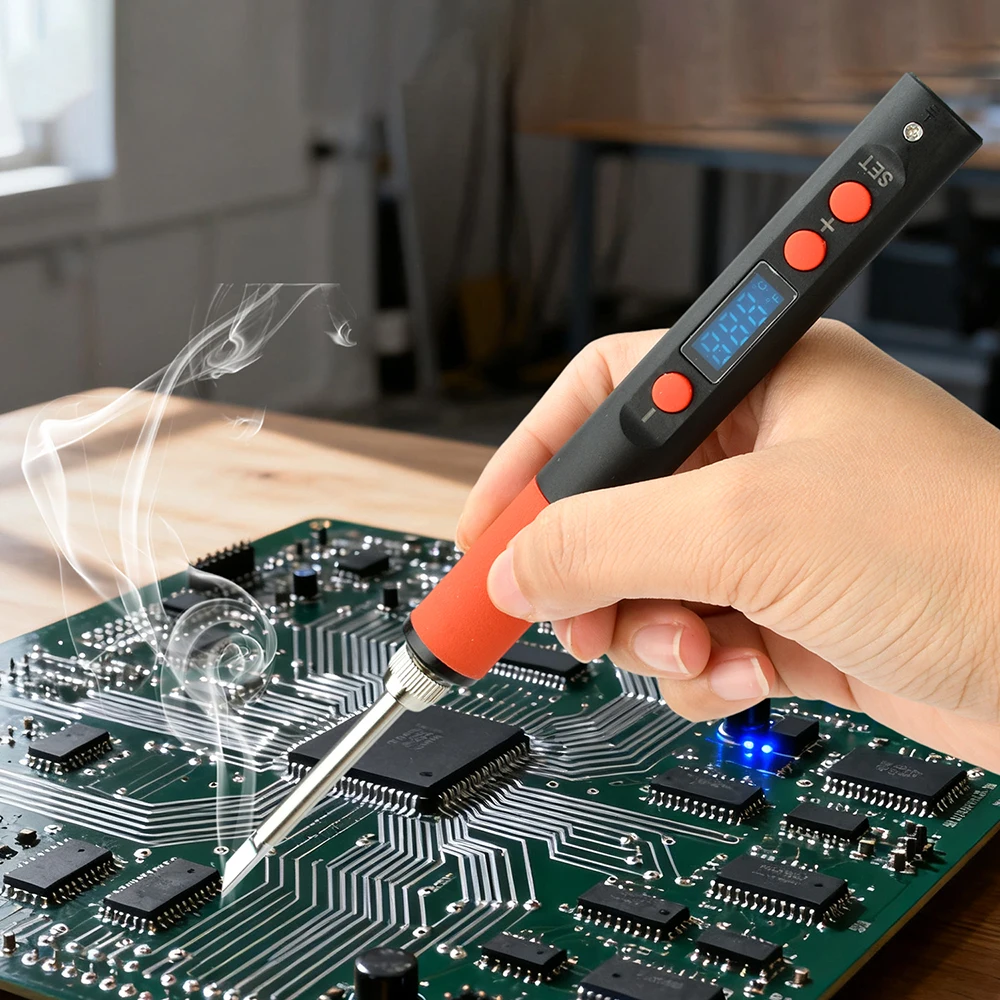
6.Wide range of applications: Suitable for circuit board repair, mobile phone repair, electronic component repair, wire welding, manual carving and painting, etc.
Parameter:
Product name: intelligent electric soldering iron
Power supply interface: type c interface
Supply voltage: dc 9-20v
Power supply protocol: Pd2.0/3.0, qc2.0/3.0
Power: Max 65w (adaptive)
Temperature range: 180-500℃
Temperature rise rate: 6 seconds (at 20v)
Tin deposition time: 8 seconds (at 20v)
Sleep time: adjustable (vibration sensing sleep)
Temperature calibration: adjustable
Display: led display
Specification of soldering iron tip: t65 integrated soldering iron tip (6-7 ω)
Operation instructions:
Power on: Press and hold the "Set" Button for about 1 second before entering the power on state
Shutdown: Press and hold the "Set" Button for about 1 second before entering the shutdown state
After shutting down, if you want to continue using it, press the "Set" Button first, and then press the "+" Button to activate the heating state
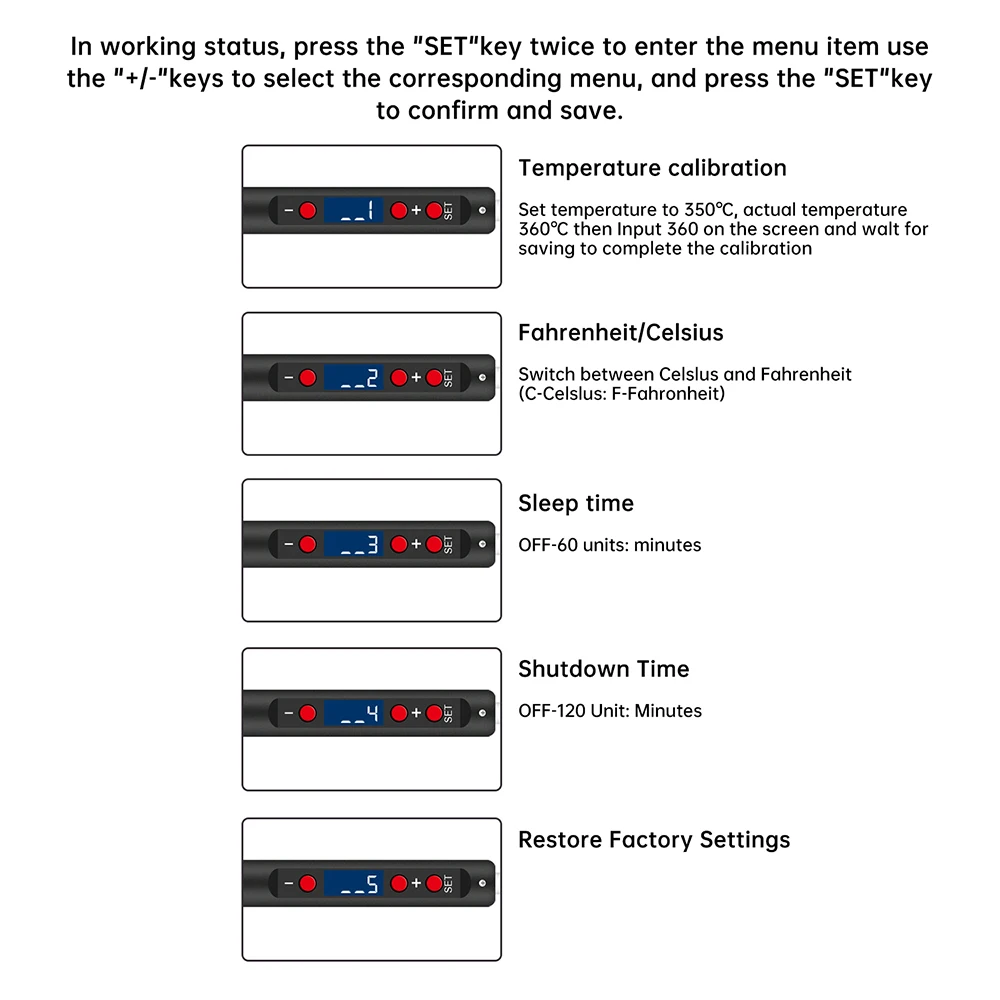
Menu function description:
In working mode, press the "Set" Key twice to enter the menu item, and press the "+/-" Key to select the corresponding menu. Click the "Set" Button to confirm and save
Frequently asked questions:
1.If the input voltage is below 9v, the screen will display: L-e
2.If the soldering iron tip is not properly installed or damaged, the screen will display: 5-e
3.The new heating element may experience temperature display numbers jumping around, and it needs to be repeatedly used several times to stabilize the values
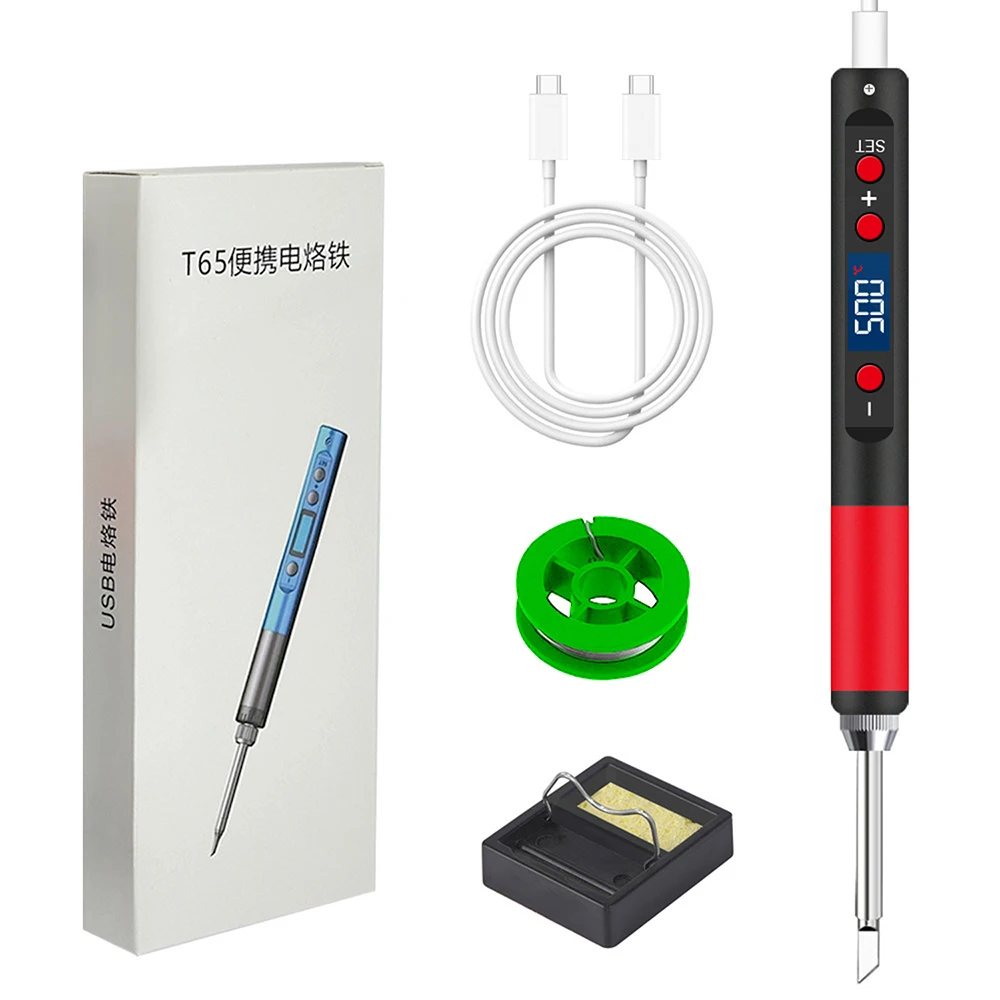
Package include:
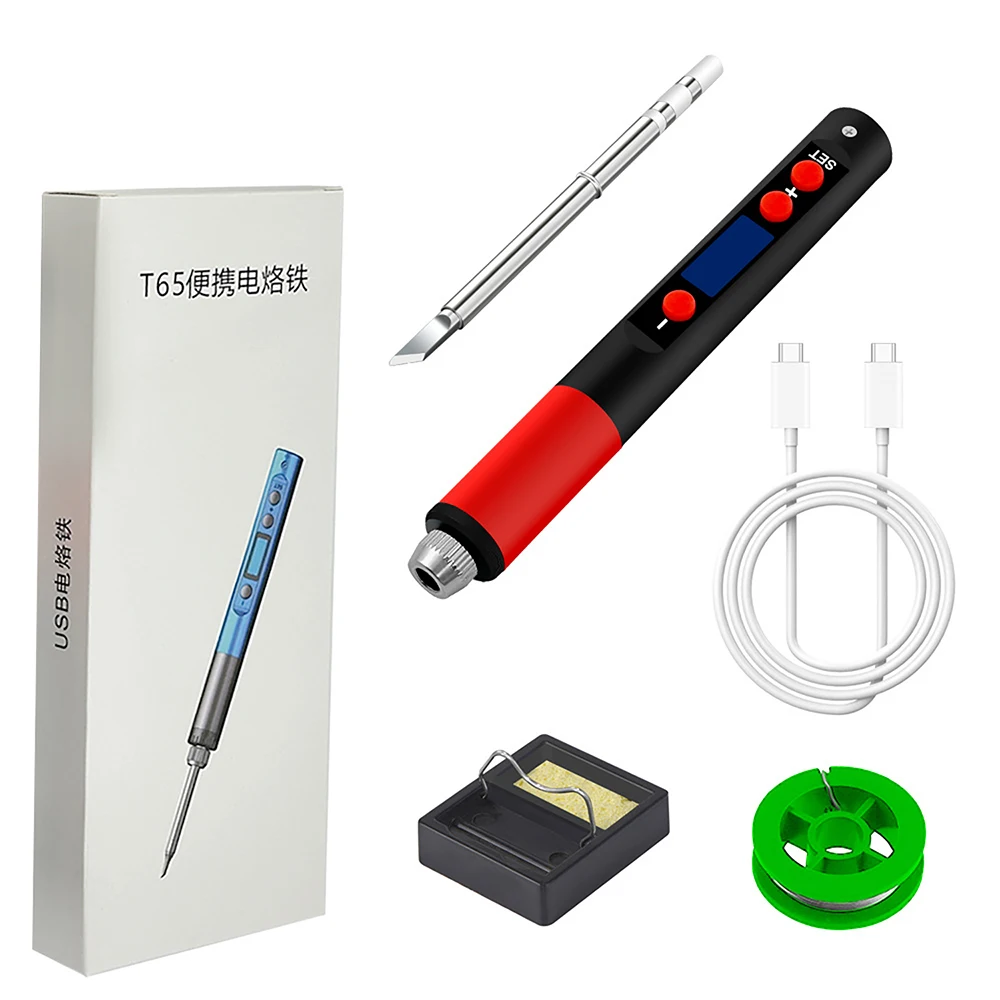
Package 1:
Electric soldering iron * 1
Soldering iron tip * 1
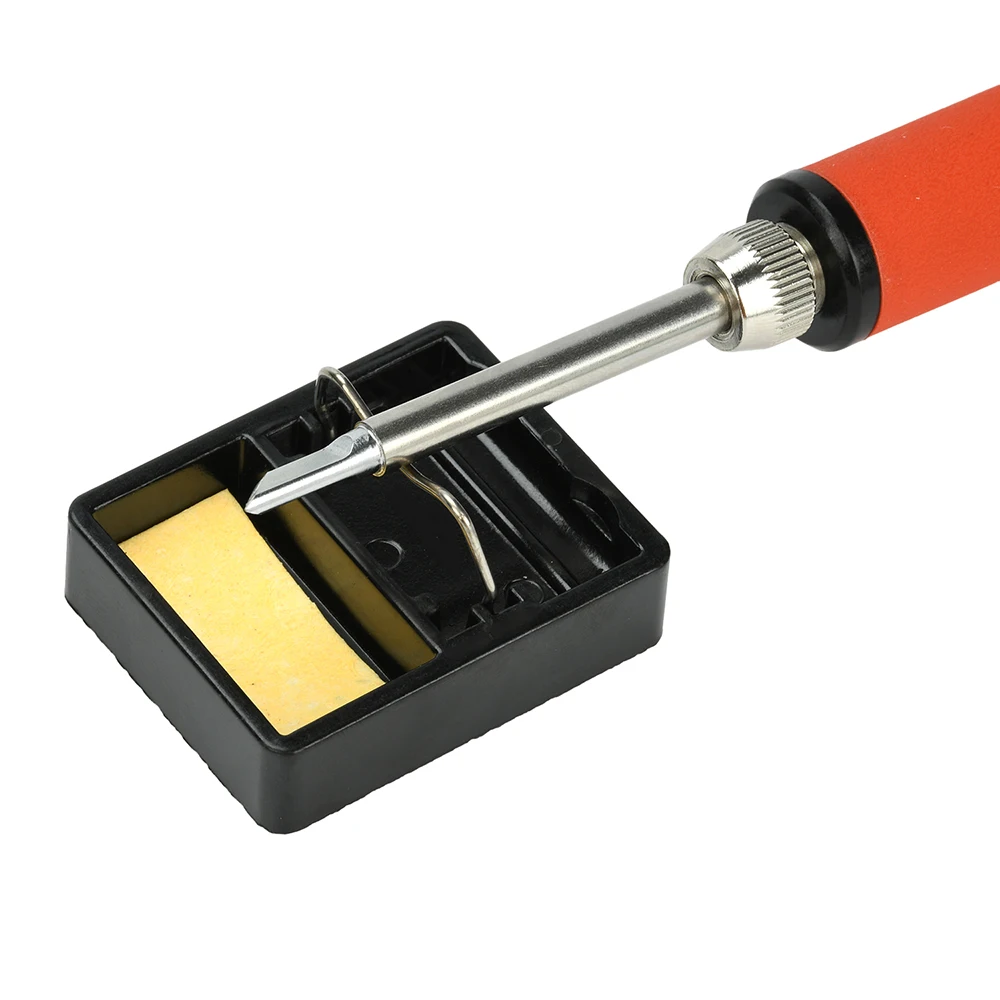
Bracket * 1
Sponge x1
Fixed nut * 1
Power cord*1
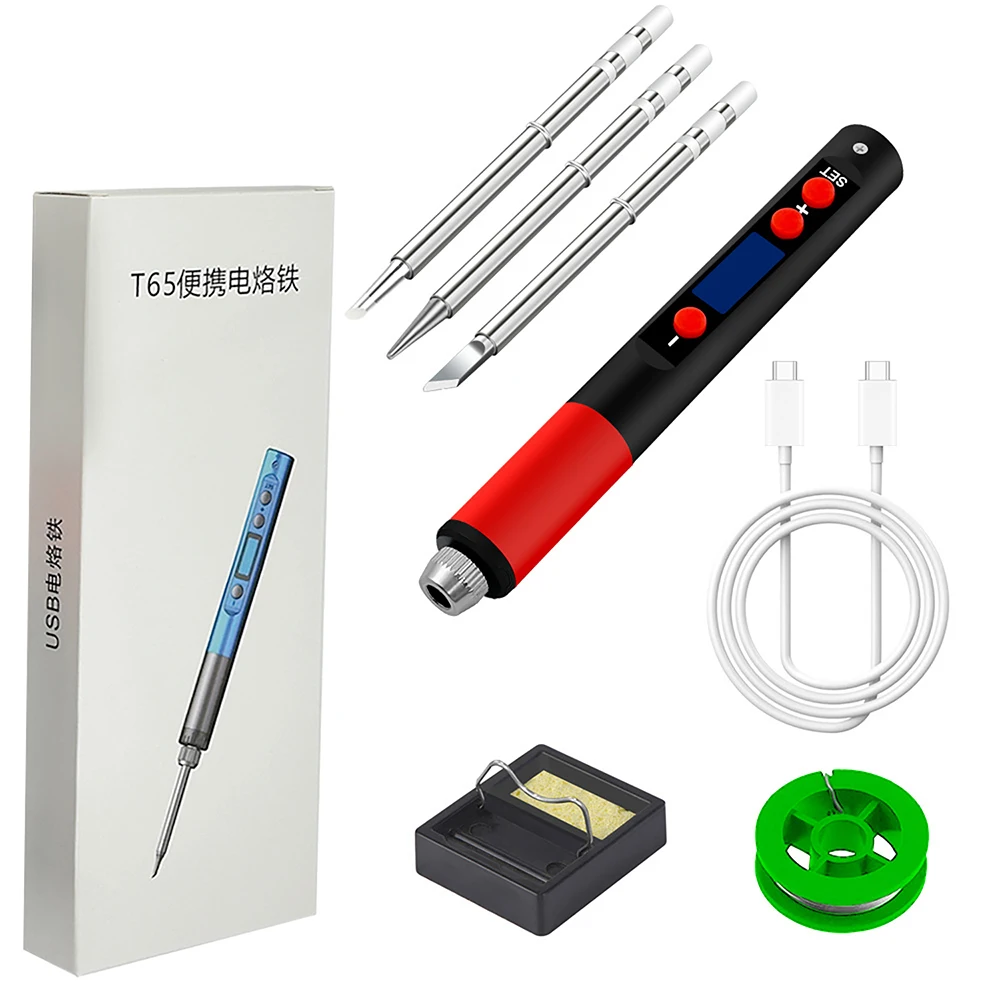
Package 2:
Electric soldering iron * 1
Soldering iron tips * 3
Bracket * 1
Sponge * 1
Fixed nut * 1
Power cord*1